
Your basket is empty
Golf Impact Screens Explained and How to Choose One
A golf impact screen is the fabric you hit into and project the course onto in a golf simulator. It has two jobs at once. It has to stop a ball travelling at well over 100mph safely, and it has to show a sharp, bright image from a projector. The right screen for you depends […]
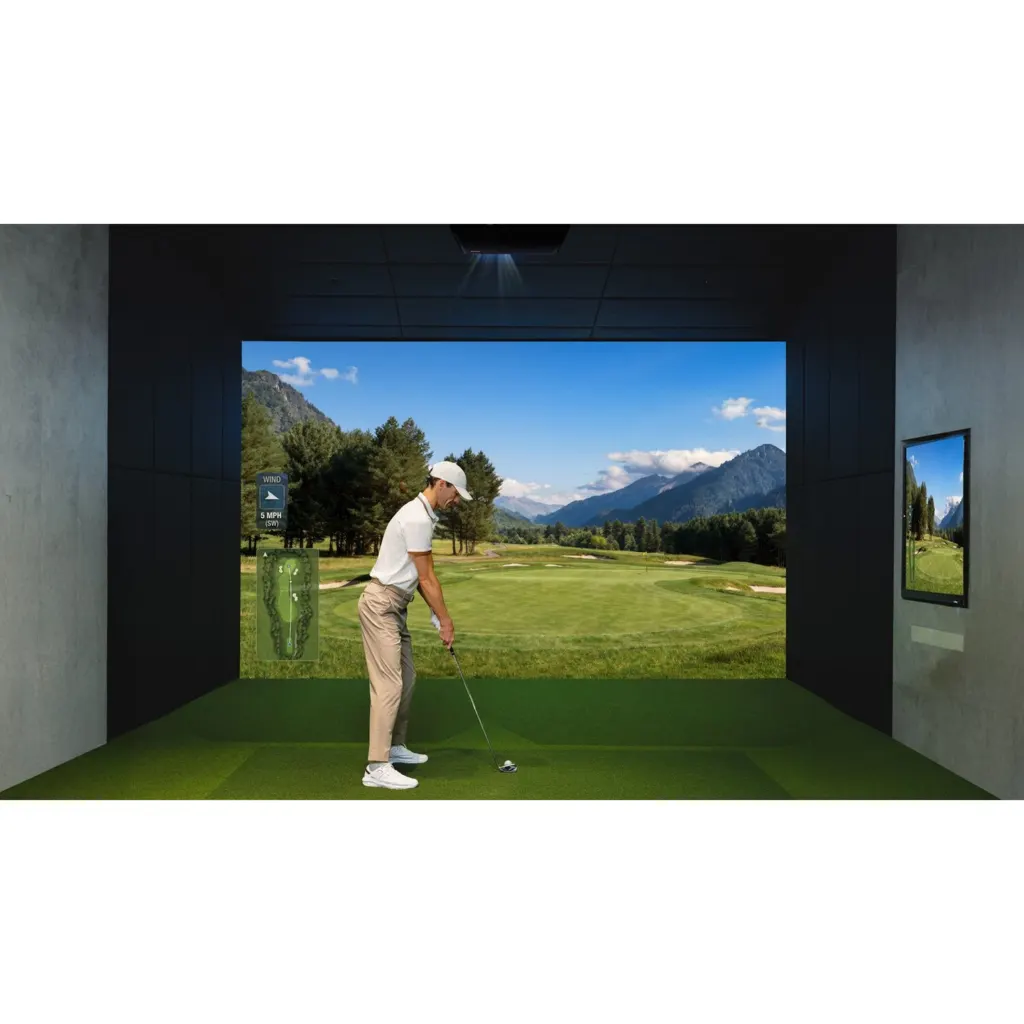
A golf impact screen is the fabric you hit into and project the course onto in a golf simulator. It has two jobs at once. It has to stop a ball travelling at well over 100mph safely, and it has to show a sharp, bright image from a projector. The right screen for you depends on four things. Whether you want a single or multi layer screen, how it is mounted and tensioned, how much space you leave behind it, and whether its shape matches your projector.
Get those right and the screen will run quietly for thousands of shots with a clean picture. Get them wrong and you will see wrinkles, hear a loud slap on every strike, and have balls bouncing back towards you. This guide explains each choice in plain terms, using the screens we supply and the way we fit them in our own golf den builds.
Why you need a proper impact screen
A standard projector screen or a bedsheet is not designed to take a golf ball. It will tear, sag or send the ball straight back. An impact screen is made from heavy duty woven fabric, usually polyester, that absorbs the energy of the strike while keeping a smooth surface for the image. Carl’s Place, a US screen maker, says its screens are tested to withstand thousands of strikes at up to 250mph, well above the average tour professional ball speed of just over 180mph.
Our advice is simple. Never use a standard projection screen in a golf simulator. Even our most affordable impact screens are built for repeated ball strikes, and the price difference is small compared with the cost of a damaged projector or wall.
Single layer or multi layer
This is the biggest choice you will make.
Single layer screens use one sheet of tightly woven impact fabric. They are simpler, lighter and cheaper, and a good one gives a perfectly usable picture. The SimSpace Deluxe screen at £99.99 and our Pro Golf Impact Screen from £200 are single sheet options, and our Tekden Single Layer Screen Kit at £1,500 pairs a high strength mesh screen with protective baffles and mounting hardware.
Multi layer screens separate the two jobs. A back layer takes the impact and a smoother front layer carries the image. The Foresight Dual Layer Screen Kit at £2,376 combines a high strength mesh impact screen with an EPS HD topsheet, plus glass fibre rods, steel brackets, bungees and ceiling and side protection flaps. Carl’s Place notes that only its thicker, multilayer screens dampen noise, and that its premium screens include a spacer layer that helps reduce bounce back.
In our experience, a dual layer screen works better than a single layer screen in a finished garden cabin because the front surface stays flatter and quieter under impact, which matters when the room doubles as somewhere to relax and watch sport. That is why the Harris cabin in Wokingham was fitted with a Foresight screen kit alongside a 4K laser projector. For a garage practice bay or a tighter budget, a quality single layer screen is still a sound choice.
Screen only, kit or full enclosure
Impact screens are sold in three ways, and the right one depends on your room.
- Screen only. Just the fabric with eyelets or another fixing. You need your own frame. This suits people building a bespoke setup or replacing a worn screen.
- Screen kit. The screen plus the brackets, rods, bungees and side or ceiling protection to fix it into a room opening. This is what our cabin fit outs use, because the room itself becomes the enclosure.
- Full enclosure. A freestanding frame with the screen, side netting and top baffles built in. The SimSpace SLIM enclosure starts from £999.99 and the UltraMAX Grey from £1,499.99. Enclosures suit garages and spare rooms where the walls and ceiling need protecting.
From working with clients in narrow spaces, we’ve found a fitted screen makes better use of the room than a freestanding frame. On the Bennett build in Berkshire, a golf professional’s cabin with a finished internal width of 2.9m, we built a custom enclosure to get the most from the space and the viewing angle, and hand made upholstered wall cushions in house to suit the simulator.
How much space to leave behind the screen
An impact screen must never sit flat against a wall. The ball needs space to push the fabric back and slow down, otherwise it rebounds hard and wears the screen faster.
SimSpace recommends at least 30cm between the wall and a screen that is secured on all sides, and at least 50cm for a screen that hangs freely. Carl’s Place gives a similar figure of 12 to 16 inches, roughly 30 to 40cm. When we plan a cabin layout, that gap comes out of the room’s depth, so it needs to be allowed for before the cabin size is chosen.
Tension and bounce back
Many people assume a tighter screen looks better. It does remove wrinkles, but a screen that is stretched too hard behaves like a trampoline. Carl’s Place’s bounce back advice is to fit the screen flat but with some give, and to loosen a couple of bungees if balls are coming back too fast.
The same guidance lists other common causes of bounce back that are worth checking.
- Balls hitting an exposed frame or pipe at the edge of the screen. Padding the frame stops this.
- High wedge shots climbing the screen and running back along the ceiling. A hanging top baffle catches them.
- A hard, cheap hitting mat that rejects the club and launches the ball awkwardly.
Padding the walls around the screen helps with both safety and sound. On our cabin configurator, AcoPads wall pads are £783.84 and faux leather suede pads are £2,720, and our wall panels and acoustics range covers the rest of the room.
Matching the screen to your projector
The screen and projector should be chosen together. Most modern projectors output a 16 by 9 widescreen image, while some impact screens are a squarer 4 by 3 shape. Carl’s Place explains that a mismatch leaves either blank strips above and below the image or picture spilling past the sides of the screen.
Throw distance also limits how big an image you can project, so the screen size, the projector’s throw ratio and its mounting position need planning as one. We cover that in detail when explaining how to choose a golf simulator projector.
How far to stand from the screen
For safety and image quality, we recommend standing around 2.4m to 3m from an impact screen. Some screen makers ask for the full 3m or more, so if your room allows it, use the extra space. Standing too close increases the risk from any ball that comes back and makes it harder to see the full shot.
Add the 30cm or more behind the screen and the space you need for the launch monitor and a full swing, and you can see why we suggest around 5.5m of depth as ideal for a golf room.
Looking after your screen
An impact screen is a wearing part. Small dark marks where the ball strikes are normal, and Carl’s Place notes that burn marks from high spin shots are part of normal wear rather than a defect. Keeping the screen at the right tension and the room dry will help it last.
Damp is the enemy of fabric and electronics alike. If your simulator is in a garden building, keeping it steadily warm through the colder months stops condensation forming on the screen, which we explain in our guide to keeping a golf simulator cabin warm and dry in winter.
When a screen does wear through, you can usually replace the fabric alone rather than the whole enclosure. Replacement UltraMAX enclosure screens, for example, start from £599.99.
Summary
A golf impact screen needs to stop the ball safely and show a sharp image. Single layer screens are a good value choice for practice bays, while dual layer screens give a quieter, flatter image in a finished room. Leave at least 30cm behind a framed screen and 50cm behind a hanging one, keep some give in the tension, and choose the screen and projector together so the image fits.
If you want help choosing the right screen for your space, TEKDEN can check your room dimensions and recommend a setup, and you can see screens in use at our Hampshire showroom. You can also choose your screen alongside the cabin, projector and launch monitor when you configure a turnkey golf den. Contact us to book a free consultation.
More Tekden Guides
Keep planning your simulator room.
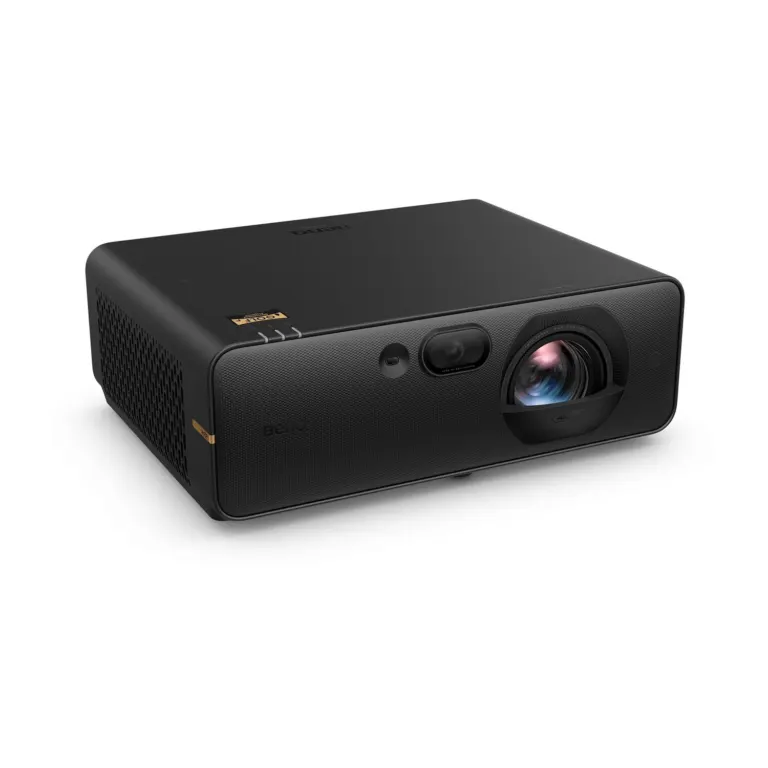
How to Choose a Golf Simulator Projector
The best golf simulator projector for most home rooms is a short throw model with at least 3,000 lumens, Full…
Read guide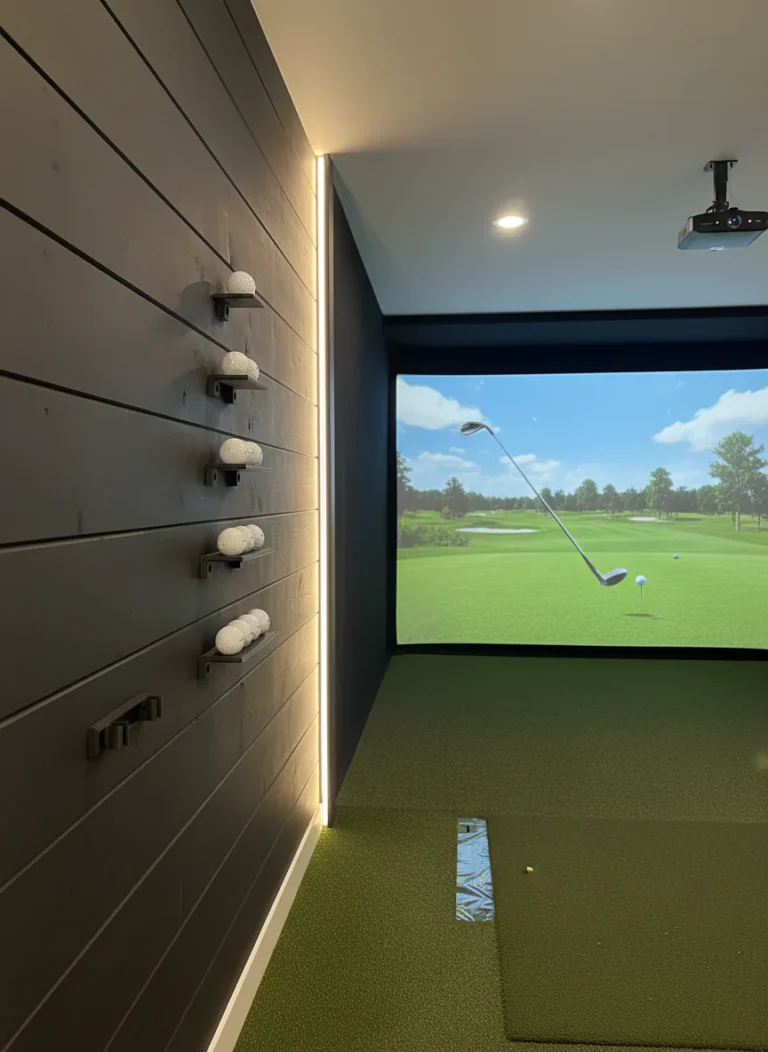
How to Keep a Golf Simulator Cabin Warm and Dry in Winter
To keep a golf simulator cabin warm and dry through a UK winter, you need three things working together. Insulation…
Read guide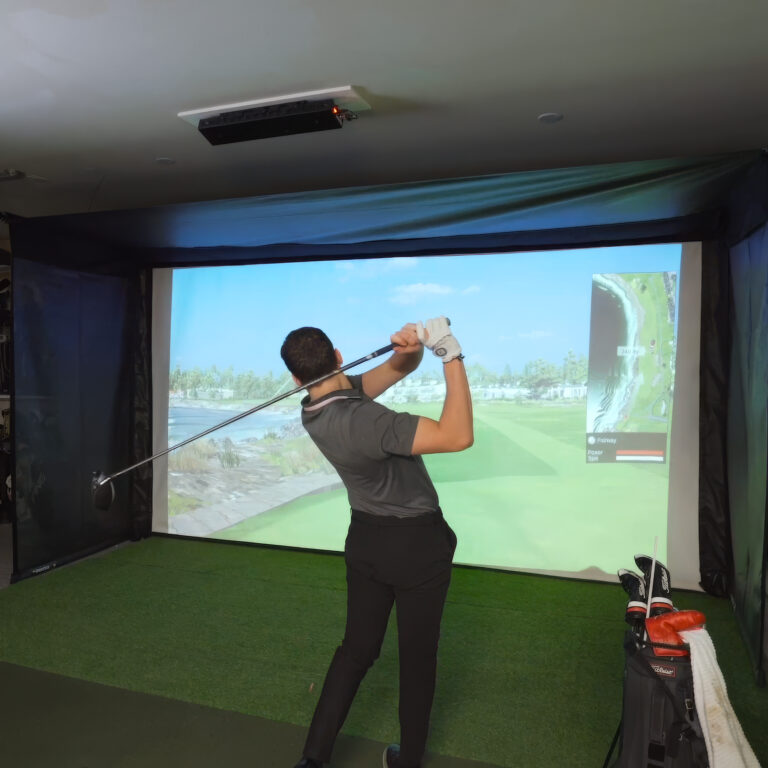
How Long Does It Take to Build a Golf Simulator Cabin
Building and fitting out a golf simulator cabin on site usually takes about a week, but the whole project from…
Read guide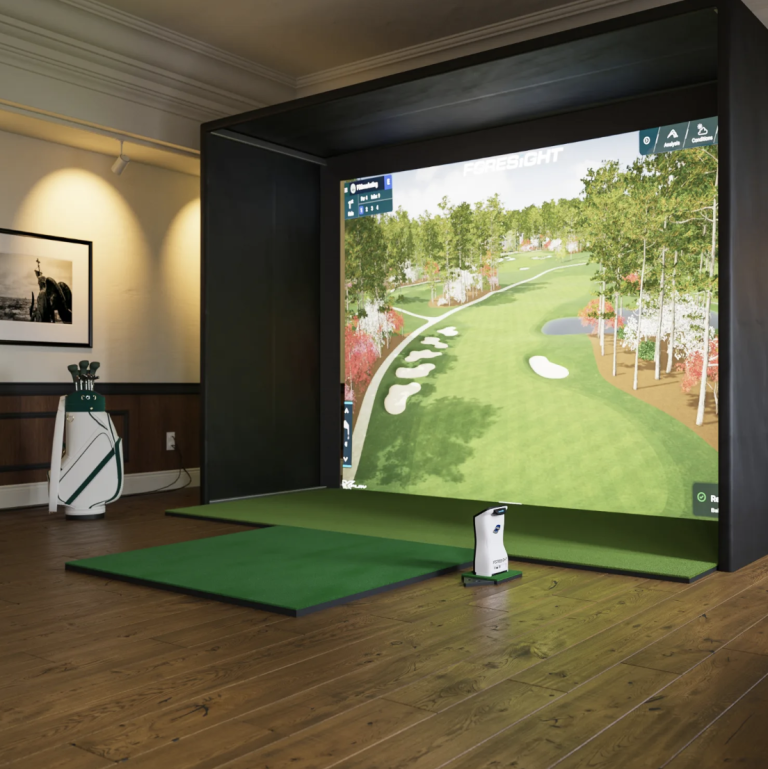
How Much Does a Golf Simulator Cabin Cost in the UK
A golf simulator cabin in the UK usually costs somewhere between £10,000 and £70,000, depending on the size of the…
Read guide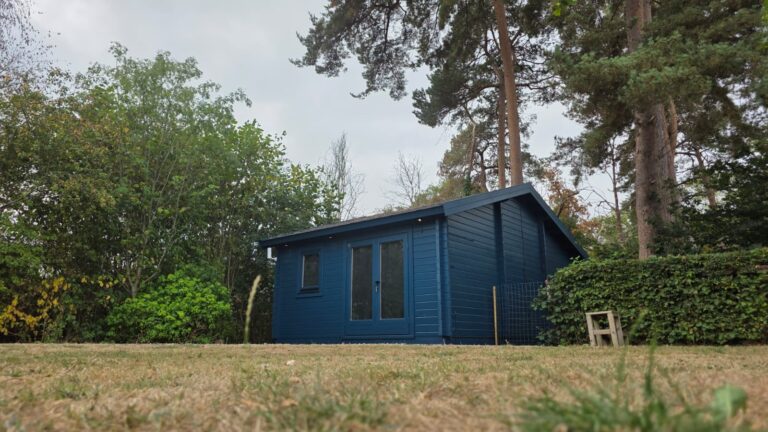
Golf Simulator Garden Room UK | Purpose-Built Golf Dens
What to consider when planning a purpose-built garden room for a golf simulator, from cabin structure to comfort, insulation and…
Read guide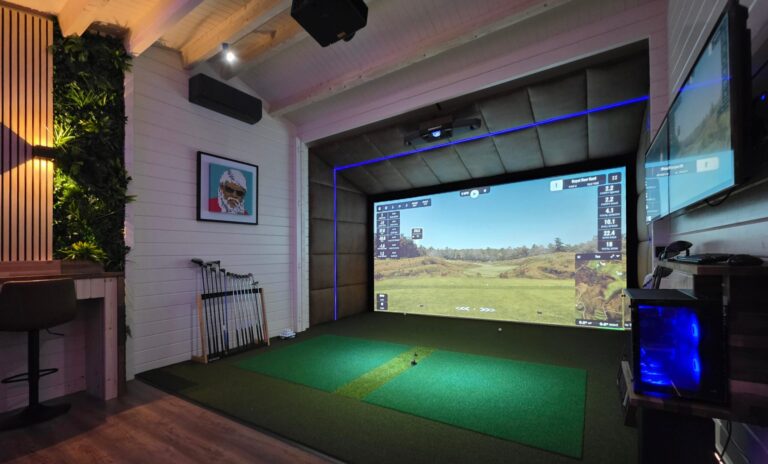
Golf Simulators UK | Complete Home Golf Simulator Solutions
A complete UK guide to golf simulators, including room types, core equipment, cabin options and the decisions that shape the…
Read guide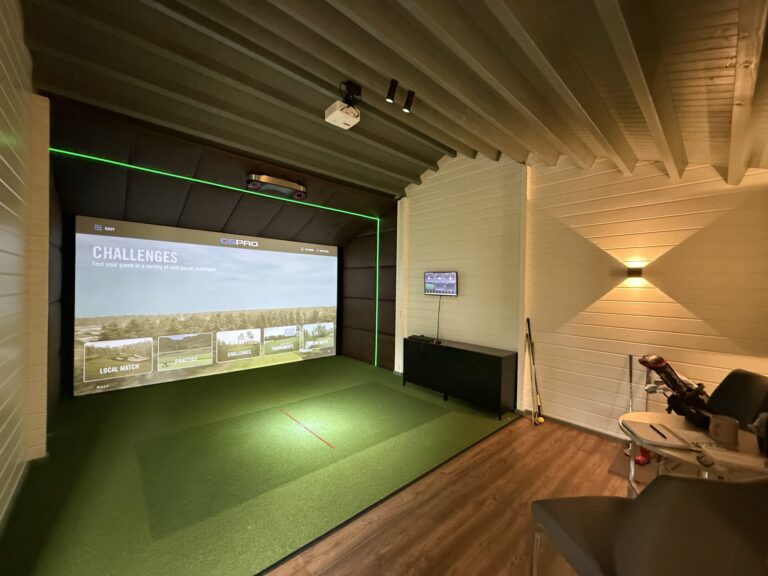
Golf Simulator for Home UK | Complete Home Setup Guide
A home golf simulator planning guide covering budget, room choice, launch monitor options, screens, projectors and setup decisions.
Read guide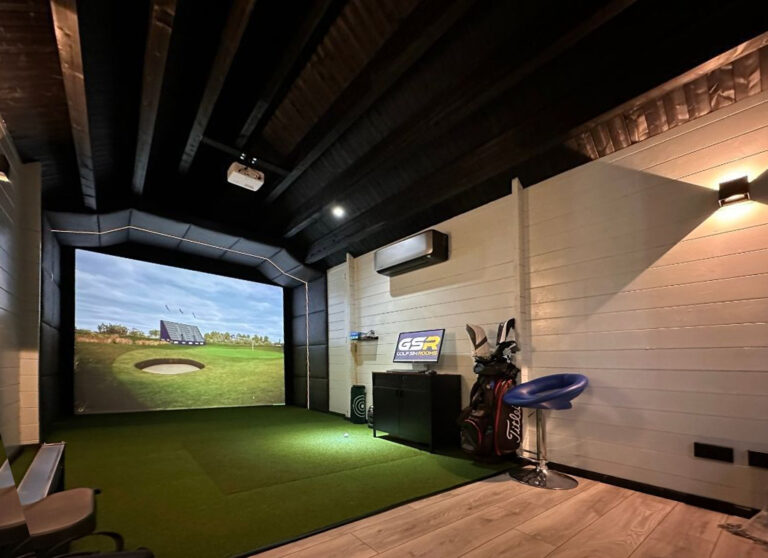
Golf Simulator Room Ideas, Sizes & Setup Guide UK
Room sizing, layout and setup advice for planning a golf simulator space that works safely and comfortably.
Read guide