
Your basket is empty
How to Choose a Golf Simulator Projector
The best golf simulator projector for most home rooms is a short throw model with at least 3,000 lumens, Full HD or 4K resolution, and input lag under 30 milliseconds. Short throw matters most. It lets the projector sit close to the screen and above the hitting area, so the image is big and bright […]
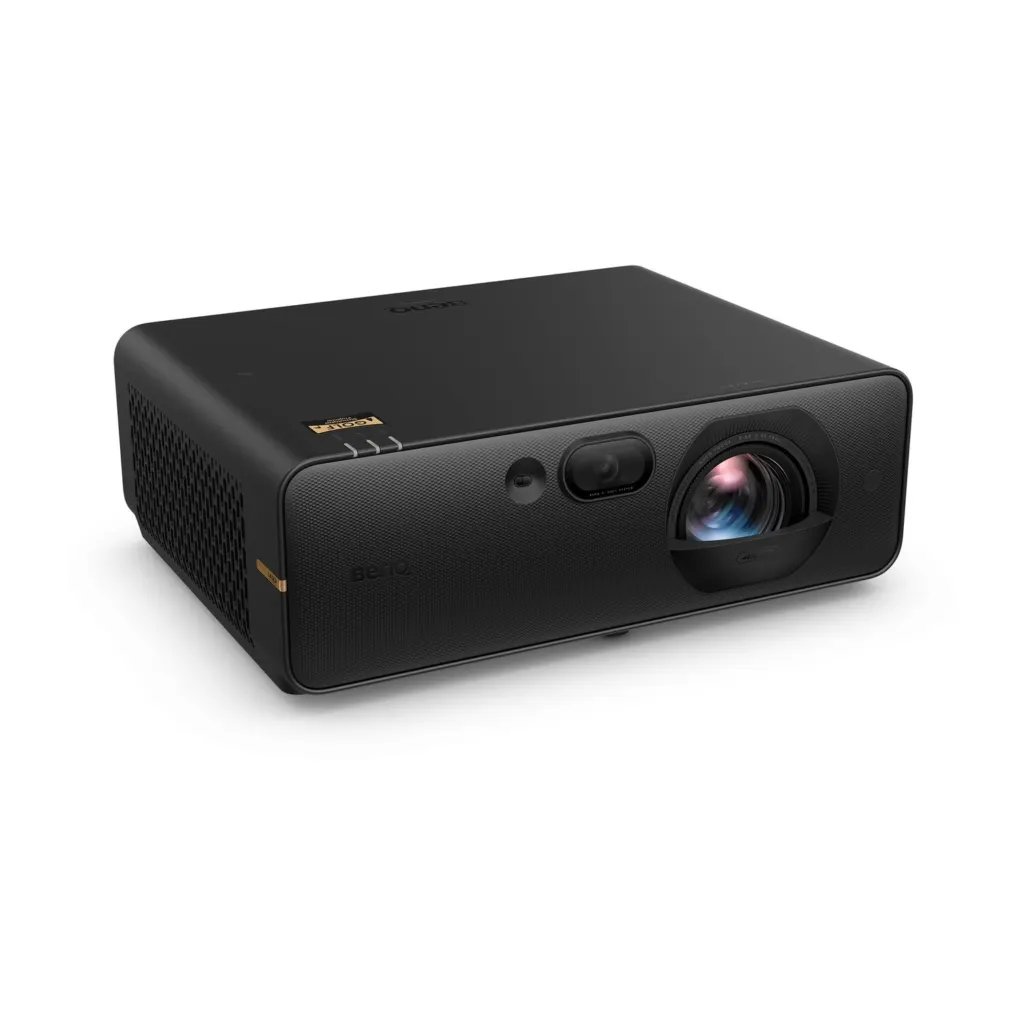
The best golf simulator projector for most home rooms is a short throw model with at least 3,000 lumens, Full HD or 4K resolution, and input lag under 30 milliseconds. Short throw matters most. It lets the projector sit close to the screen and above the hitting area, so the image is big and bright while you stand clear of the beam and never cast a shadow over the ball flight.
From there, the choice comes down to your room’s size, how much light gets in, and whether you want laser or LED. This guide explains each of those in plain terms, works through real throw distance examples using projectors we supply, and shows how we choose projectors for our own golf den builds.
Throw ratio is the number to understand first
A projector’s throw ratio tells you how far from the screen it needs to be to produce an image of a given width. The sum is simple. Distance from the screen equals throw ratio multiplied by image width. A projector with a throw ratio of 0.5 needs to sit 1.5m away to fill a 3m wide image, while a projector with a ratio of 1.5 would need to sit 4.5m back.
That is why standard throw projectors rarely suit a golf room. To fill a large impact screen they have to be mounted behind the golfer, which puts you directly in the beam. MyGolfSpy’s projector guide notes that most simulators use a short throw projector placed roughly four to six feet from the screen.
Here is how three short throw models from our projector range compare for a 3m wide image.
| Projector | Throw ratio | Distance for a 3m wide image | Resolution | Brightness |
|---|---|---|---|---|
| Optoma ZK431ST | 0.496 | About 1.5m | 4K UHD | 3,900 lumens |
| BenQ AK700ST | 0.69 to 0.83 | About 2.1m to 2.5m | 4K UHD | 4,000 lumens |
| Optoma GT2200HDR | 0.69 to 0.83 | About 2.1m to 2.5m | Full HD | 3,300 lumens |
Figures come from the manufacturers’ published specifications for the Optoma ZK431ST and BenQ AK700ST. Where a projector has a zoom range, as the BenQ does, you get some flexibility in where the mount goes.
Where the projector sits in the room
As a guide, you should stand around 2.4m to 3m from an impact screen for safety and image quality. A short throw projector with the distances above therefore sits on the ceiling between you and the screen, or just above your head. That position is what stops your shadow falling across the image as you address the ball.
Ceiling height plays a part here too. We recommend 2.6m as a safer minimum ceiling height and 3m or more as ideal, with taller players aiming for 3m. In a lower room, the projector mount has to be planned carefully so it stays clear of the top of your backswing.
In our experience, a short throw laser projector works better than a standard throw lamp projector in a garden cabin because it can be mounted ahead of the golfer and out of the swing path, so nobody casts a shadow, and the laser light source avoids the lamp replacements that a lamp model needs every few thousand hours.
Brightness, how many lumens you need
Brightness is measured in lumens. For a golf simulator, 3,000 to 4,000 lumens is the sweet spot for most rooms. MyGolfSpy suggests at least 3,000 lumens for bright, vivid images, particularly in a darker room.
The darker you can make the room, the less brightness you need. A purpose built cabin with controlled lighting gives you far more choice than a conservatory or a garage with a glazed door. If your room lets in daylight, lean towards the brighter end of the range, or plan blinds for the windows.
Very bright standard throw projectors such as the Optoma ZH551 at 5,600 lumens exist, but in most home rooms extra brightness matters less than getting the throw distance and mounting position right.
Resolution, Full HD or 4K
Full HD, or 1080p, should be your minimum. It gives a clear picture of the fairway, green and ball flight, and it keeps the cost down. The Optoma GT2200HDR at £899 and the Optoma LH351ST at £1,084 are good examples at the entry end.
4K is noticeably sharper on a large screen, especially when you stand close to it and can see the detail of the course. Software such as GSPro supports 4K graphics, but the gaming PC must be powerful enough to drive it. Our 4K short throw laser options include the Optoma ZK431ST and UHZ36STe at £2,000 each, and the BenQ AK700ST at £2,374.80.
From working with clients on larger cabins, we’ve found 4K short throw projectors are the usual choice in our published builds. Both the Harris cabin in Wokingham and the Bennett cabin in Berkshire were fitted with 4K Optoma short throw projectors, where the wide screen and close viewing distance make the extra detail easy to see.
Input lag and refresh rate
Input lag is the delay between the PC sending an image and the projector showing it. In a golf simulator, high lag makes the ball appear to leave the screen a moment late. We recommend under 30 milliseconds.
Check how lag changes with resolution and refresh rate. The Optoma ZK431ST is listed at 16.7 milliseconds at 4K and 60Hz. The BenQ AK700ST is listed at 16.7 milliseconds at 1080p and 120Hz, but 33.4 milliseconds at 4K and 60Hz. Neither figure will spoil a round, but it is worth knowing which mode gives the quickest response. MyGolfSpy recommends a refresh rate of at least 60Hz so ball flight is easy to follow.
Laser, LED or lamp
The light source decides how long the projector lasts and what it costs to run.
- Laser. Long life and consistent brightness. The BenQ AK700ST is rated at 20,000 hours and the Optoma ZK431ST at 30,000 hours in eco mode.
- LED. Also long lasting and usually cheaper. Several of our Full HD short throw models use LED light sources.
- Lamp. Cheapest to buy, but lamps typically need replacing every 2,000 to 5,000 hours at a cost of around £100 to £300 each time.
For a room that will be used several times a week for years, laser or LED usually works out better value once replacement lamps are taken into account.
Match the projector to the screen
The projector and impact screen should be chosen together. Check that the screen’s shape matches the projector’s native aspect ratio, as the AK700ST and most 4K projectors use a 16 by 9 widescreen format. A mismatch leaves part of the screen unlit or spills the image onto the enclosure. Keystone correction can straighten an image from an off centre mount, but it is better to get the mounting position right so the projector does as little correction as possible.
Summary
For most golf simulator rooms, choose a short throw projector with 3,000 to 4,000 lumens, at least Full HD resolution and input lag under 30 milliseconds. Work out the mounting distance from the throw ratio before you buy, so the projector sits ahead of you and the image fills the screen without a shadow. Laser and LED models cost more upfront but avoid regular lamp replacements.
If you would like help matching a projector to your room and screen, TEKDEN can check your dimensions and recommend a setup, and you can see projectors running at our Hampshire showroom. You can also choose a projector alongside the cabin, screen and launch monitor when you configure a turnkey golf den. Contact us to talk to the team.
More Tekden Guides
Keep planning your simulator room.
How to Keep a Golf Simulator Cabin Warm and Dry in Winter
To keep a golf simulator cabin warm and dry through a UK winter, you need three things working together. Insulation…
Read guide
How Long Does It Take to Build a Golf Simulator Cabin
Building and fitting out a golf simulator cabin on site usually takes about a week, but the whole project from…
Read guide
How Much Does a Golf Simulator Cabin Cost in the UK
A golf simulator cabin in the UK usually costs somewhere between £10,000 and £70,000, depending on the size of the…
Read guide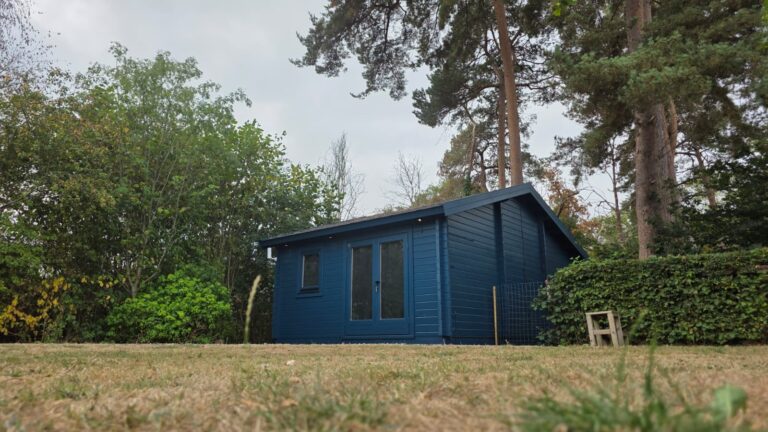
Golf Simulator Garden Room UK | Purpose-Built Golf Dens
What to consider when planning a purpose-built garden room for a golf simulator, from cabin structure to comfort, insulation and…
Read guide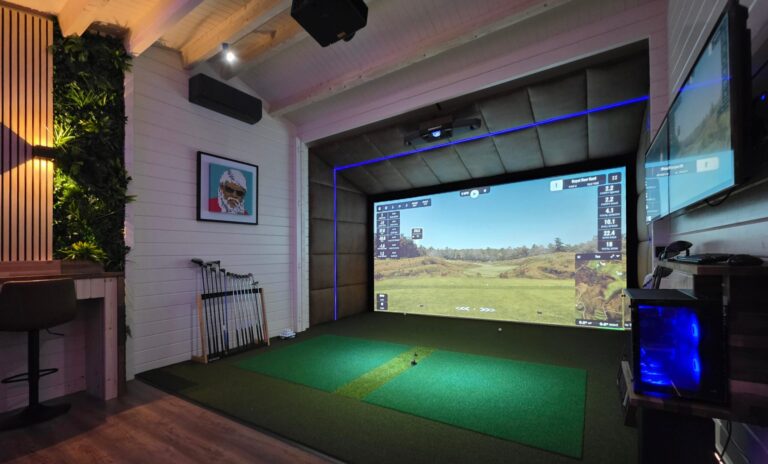
Golf Simulators UK | Complete Home Golf Simulator Solutions
A complete UK guide to golf simulators, including room types, core equipment, cabin options and the decisions that shape the…
Read guide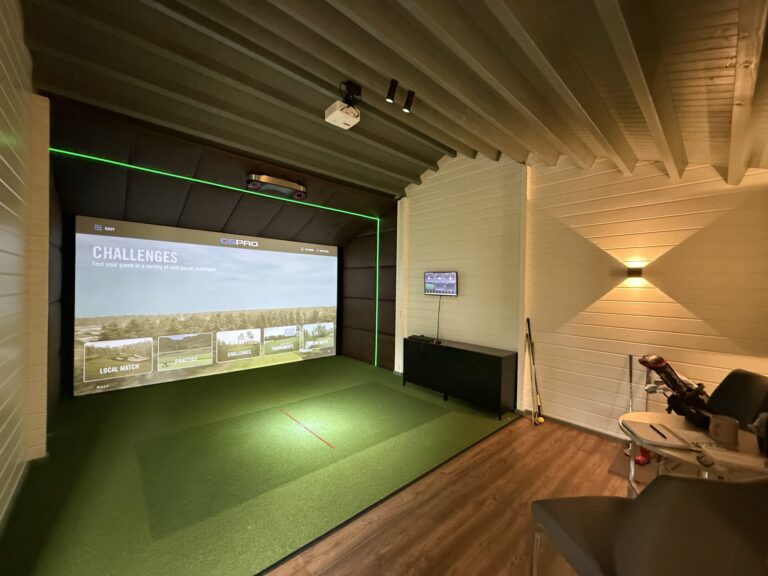
Golf Simulator for Home UK | Complete Home Setup Guide
A home golf simulator planning guide covering budget, room choice, launch monitor options, screens, projectors and setup decisions.
Read guide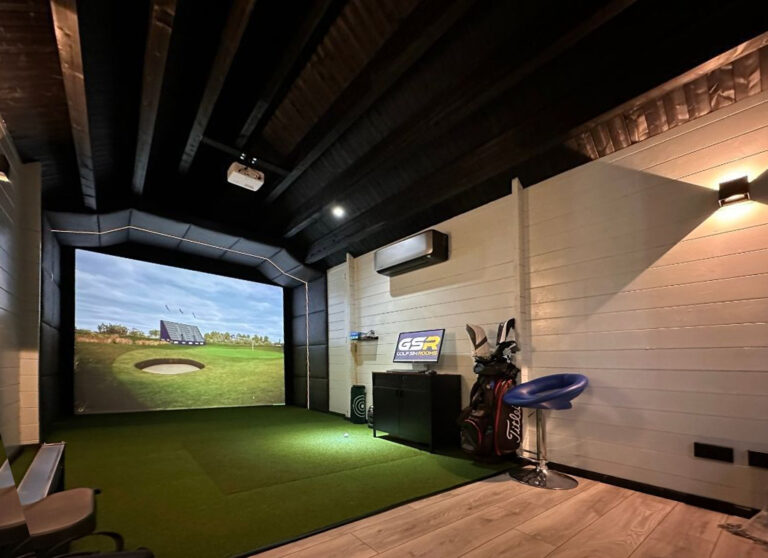
Golf Simulator Room Ideas, Sizes & Setup Guide UK
Room sizing, layout and setup advice for planning a golf simulator space that works safely and comfortably.
Read guide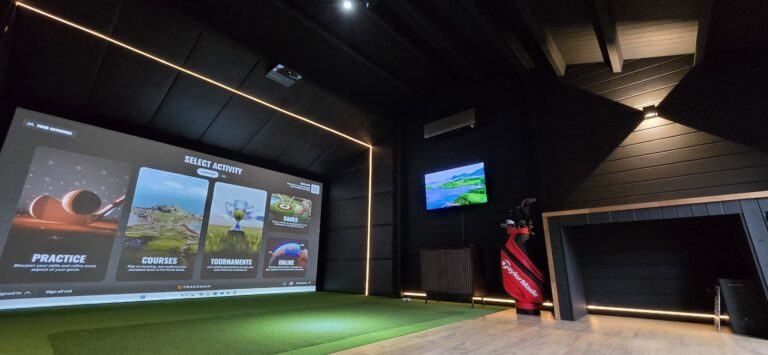
Indoor Golf Simulator UK | Home Golf Simulation Systems
A guide to indoor golf simulator options for spare rooms, garages, cabins and dedicated studio spaces.
Read guide