
Your basket is empty
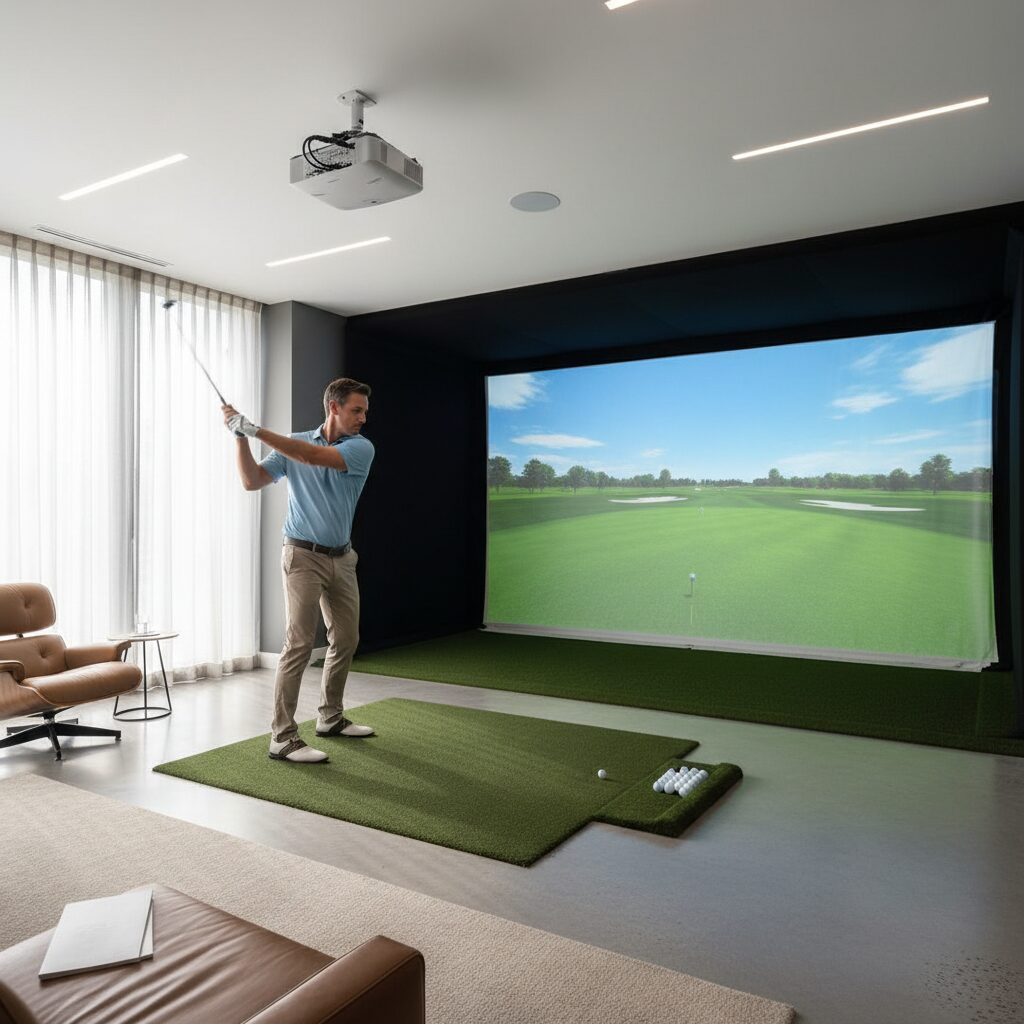
Golf Simulator Buying Guide UK: Complete Expert Guide
Transforming your home into a year-round golf haven has never been more accessible or appealing to UK golfers. With unpredictable weather patterns and busy schedules limiting access to traditional courses, a home golf simulator offers the perfect solution for maintaining and improving your game from the comfort of your own space.
This comprehensive golf simulator buying guide UK will walk you through every essential aspect of choosing, purchasing, and installing the perfect golf simulator system for your home. Whether you’re a weekend warrior looking to practice your swing during the long winter months or a serious golfer seeking professional-grade training tools, understanding the key components, space requirements, and budget considerations will ensure you make an informed decision that delivers years of golfing enjoyment.
From launch monitors and projectors to impact screens and software packages, we’ll explore the critical elements that determine your simulator’s performance, accuracy, and overall experience. You’ll discover how to assess your available space, navigate the various technology options, and avoid common pitfalls that could lead to disappointment or unnecessary expenses.
Understanding Golf Simulator Components
Launch Monitor Technology
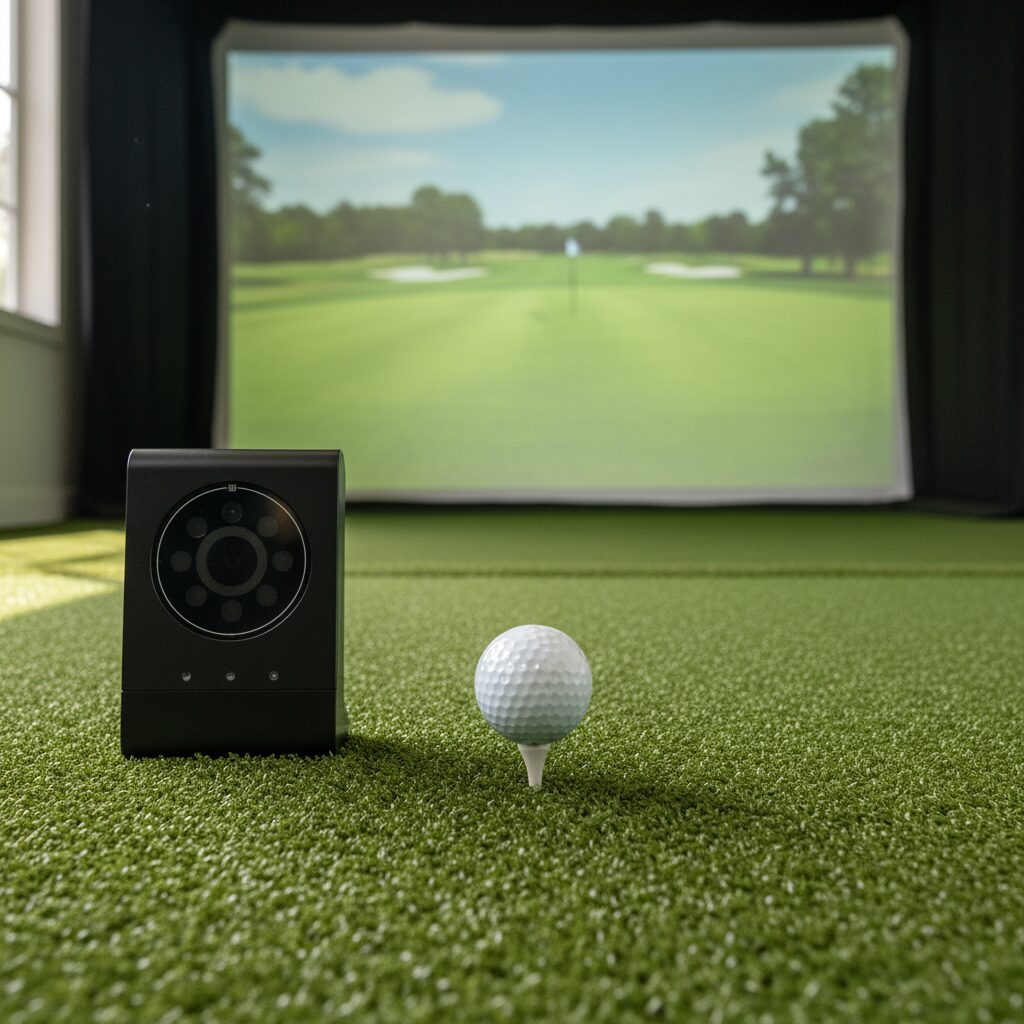
The launch monitor serves as the brain of your golf simulator system, capturing crucial data about your swing and ball flight. Modern launch monitors utilise either radar-based or camera-based technology, each offering distinct advantages for home installations.
Radar-based systems like those from FlightScope excel in outdoor environments and provide exceptional accuracy for ball speed, launch angle, and spin rates. These systems typically require minimal setup and can track the ball’s entire flight path, making them ideal for golfers who value comprehensive shot analysis.
Camera-based systems, including offerings from Foresight Sports, utilise high-speed cameras and sophisticated image processing to capture swing and ball data. These systems often provide superior club face analysis and can measure parameters like angle of attack and club path with remarkable precision.
For UK homeowners with limited ceiling height, photometric systems represent an excellent compromise. These launch monitors use advanced sensors to capture ball data immediately after impact, eliminating the need for extensive ball flight tracking space whilst maintaining professional-level accuracy.
Projection Systems and Display Technology
Your projector choice significantly impacts the visual quality and immersion of your golf simulator experience. Short-throw projectors have become increasingly popular for home installations due to their ability to produce large images from relatively close distances, reducing shadows cast by golfers during their swing.
4K resolution projectors deliver crisp, detailed course graphics that enhance the realism of your virtual rounds. When selecting a projector, consider brightness levels measured in lumens – spaces with ambient light require higher lumen ratings to maintain image clarity and colour saturation.
Ultra-short-throw projectors mount directly above or below the impact screen, virtually eliminating shadows whilst providing excellent image quality. These systems work particularly well in smaller spaces where traditional projector placement might interfere with your swing plane.
Impact Screens and Enclosure Systems
The impact screen must withstand thousands of ball strikes whilst providing a smooth, consistent surface for projection. Commercial-grade impact screens feature reinforced edges and high-denier materials that resist tearing and maintain their shape over time.
Enclosure systems protect your surrounding space from errant shots whilst creating a dedicated golf environment. Full enclosures provide complete ball containment, whilst partial systems focus protection on high-risk areas like side netting and ceiling barriers.
Consider screen size carefully – larger screens provide more immersive experiences but require more space and higher-powered projectors. Standard residential installations typically utilise screens ranging from 9×12 feet to 12×16 feet, depending on available space and budget constraints.
Space Requirements and Room Planning
Minimum Space Dimensions
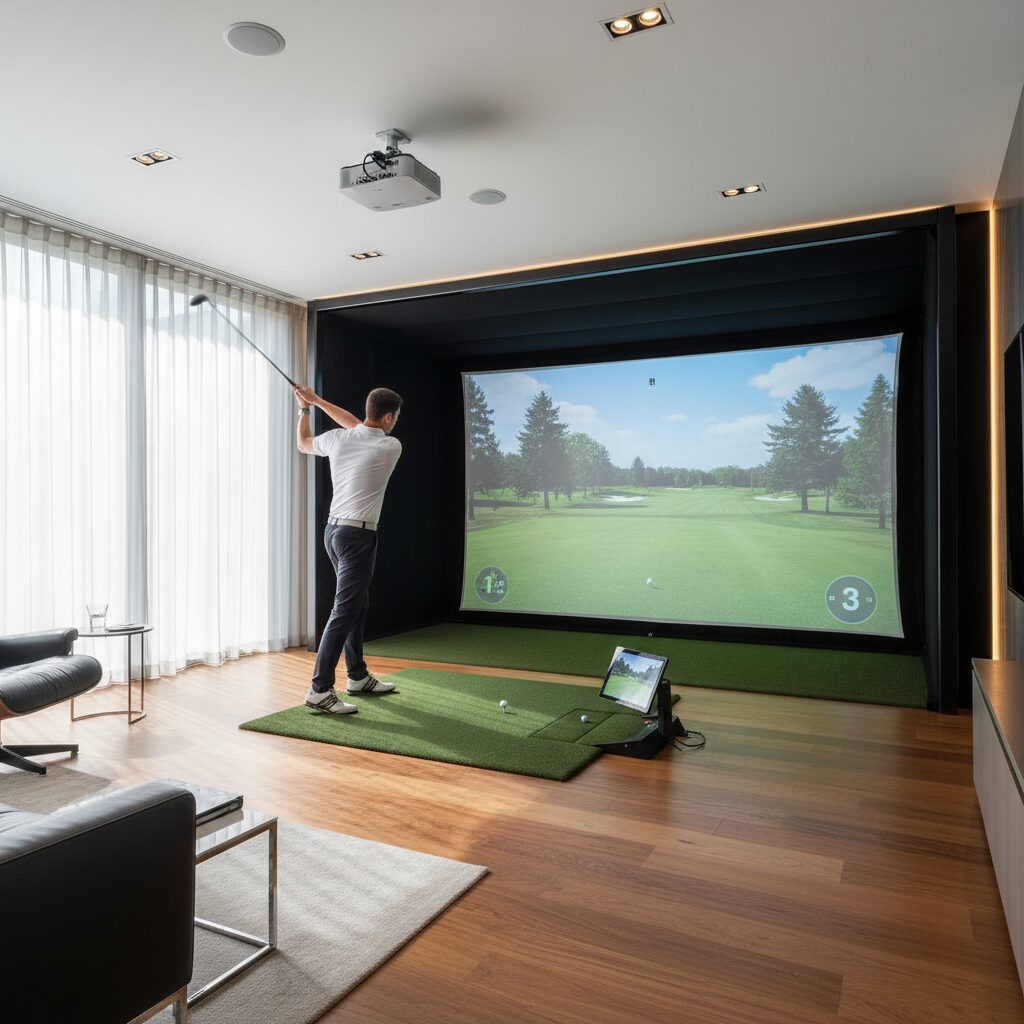
Successful golf simulator installations require careful space planning to accommodate both your swing and the necessary equipment. The minimum recommended space measures 10 feet wide, 15 feet long, and 9 feet high, though these dimensions represent absolute minimums that may restrict swing comfort and shot variety.
Ceiling height proves particularly critical for golfers with upright swing planes or those using longer clubs. A 10-foot ceiling provides comfortable clearance for most players, whilst 12-foot ceilings allow unrestricted swings with drivers and long irons.
Width requirements depend on your swing characteristics and dominant hand. Right-handed golfers need more space to their left for follow-through, whilst left-handed players require additional right-side clearance. Plan for at least 5 feet of clearance on your follow-through side and 3 feet on your backswing side.
Room Layout Considerations
Optimal room layouts position the golfer approximately 12-15 feet from the impact screen, providing adequate ball flight time for launch monitor accuracy whilst maintaining realistic shot feedback. This distance also ensures comfortable viewing of course graphics and swing analysis data.
Consider the location of doors, windows, and built-in fixtures when planning your layout. Doors should remain accessible for safety purposes, whilst windows may require protection from errant shots or blackout treatments for optimal projection viewing.
Flooring preparation often involves installing proper golf mats or Strike Mats that simulate course conditions whilst protecting your subfloor. Quality mats provide realistic ball lies and divot simulation whilst absorbing impact forces that could damage underlying surfaces.
Ventilation and Climate Control
Proper ventilation ensures comfortable practice sessions and protects sensitive electronic equipment from moisture damage. UK homes often require dehumidification during winter months to prevent condensation on projector lenses and launch monitor sensors.
Air circulation helps maintain comfortable temperatures during intense practice sessions. Consider installing ceiling fans or dedicated HVAC systems to maintain consistent airflow without creating wind patterns that might affect ball flight or launch monitor readings.
Temperature stability benefits both player comfort and equipment longevity. Extreme temperature fluctuations can affect projector lamp life and launch monitor calibration, making climate control an important long-term consideration.
Budget Planning and Cost Analysis
Understanding the full cost spectrum helps UK homeowners make realistic budget decisions and avoid unexpected expenses during their golf simulator project. Entry-level systems suitable for casual players typically start around £5,000-£8,000, whilst professional-grade installations can exceed £30,000 depending on chosen components and installation complexity.
Entry-Level Systems (£5,000-£12,000)
Budget-conscious installations often centre around consumer-grade launch monitors paired with basic projection systems and simple screen setups. These systems provide fundamental shot tracking and course play capabilities suitable for recreational golfers focused on entertainment rather than precise swing analysis.
Entry-level projectors in this price range typically offer 1080p resolution with moderate brightness levels adequate for controlled lighting environments. Impact screens may utilise lighter-weight materials with basic enclosure systems that provide essential ball containment.
Software packages at this level often include basic course libraries and simple swing feedback, focusing on playability rather than comprehensive analysis features. Many systems offer upgrade paths allowing future enhancement as budget and needs evolve.
Mid-Range Systems (£12,000-£25,000)
Mid-tier installations balance performance and cost, incorporating more accurate launch monitors with enhanced projection capabilities and robust enclosure systems. These setups satisfy serious golfers seeking reliable practice tools with meaningful swing feedback.
Launch monitors in this category provide professional-level accuracy for key metrics like ball speed, launch angle, and spin rates. Many include club tracking capabilities that analyse swing path, face angle, and impact position for comprehensive swing improvement.
Projection systems typically feature 4K resolution with higher brightness levels suitable for varied lighting conditions. Impact screens utilise commercial-grade materials with reinforced construction designed for thousands of shots annually.
Premium Systems (£25,000+)
High-end installations spare no expense in creating professional-grade training environments rivalling commercial facilities. These systems incorporate the most advanced launch monitor technology with cinema-quality projection and comprehensive course libraries.
Premium launch monitors capture dozens of swing and ball flight parameters with PGA Tour-level accuracy. Many include high-speed cameras for detailed swing analysis and comparison features that help identify improvement opportunities.
Projection systems may include multiple projectors for panoramic displays or ultra-premium single projectors with exceptional colour accuracy and brightness. Some installations incorporate surround projection creating fully immersive golf environments.
| System Level | Price Range | Launch Monitor Type | Best For | Key Features |
|---|---|---|---|---|
| Entry-Level | £5,000-£12,000 | Basic photometric/camera | Casual players, entertainment | Basic shot tracking, limited courses, 1080p projection |
| Mid-Range | £12,000-£25,000 | Advanced photometric/radar | Regular golfers, practice focus | Accurate metrics, 4K projection, club tracking |
| Premium | £25,000+ | Professional radar/dual camera | Serious golfers, instruction | Tour-level accuracy, premium courses, full analysis |
| Custom Build | Variable | Component selection | Specific requirements | Tailored features, professional installation |
Installation Options and Professional Setup
DIY Installation Considerations
Many UK homeowners possess the skills necessary for basic golf simulator installations, particularly when choosing modular systems designed for self-assembly. DIY installations can reduce overall project costs by £2,000-£5,000 compared to professional installation services.
Successful DIY projects require careful planning, appropriate tools, and realistic assessment of your technical capabilities. Basic installations involving screen mounting, projector positioning, and launch monitor setup fall within most homeowners’ skill levels.
However, electrical work, structural modifications, and complex enclosure systems often require professional expertise to ensure safety and optimal performance. Consider hybrid approaches where you handle basic assembly whilst professionals manage specialised tasks.
Professional Installation Benefits
Professional installers bring expertise in space optimisation, equipment integration, and troubleshooting that can prevent costly mistakes and ensure optimal system performance. Experienced installers understand the subtle positioning requirements that maximise launch monitor accuracy and projection quality.
Warranty protection often extends to professionally installed systems, providing additional peace of mind for significant investments. Professional installers also handle calibration procedures that optimise system accuracy for your specific space and swing characteristics.
Many installation services include ongoing support and maintenance programs that help preserve system performance over time. This support proves particularly valuable for complex systems with multiple integrated components.
Structural Modifications and Safety
Some installations require structural modifications to accommodate equipment mounting or improve room functionality. Ceiling-mounted projectors may require additional support brackets, whilst heavy enclosure systems need secure anchor points.
Electrical requirements often exceed standard residential circuits, particularly for high-powered projectors and multiple electronic components. Professional electricians ensure adequate power supply and proper grounding for sensitive equipment.
Safety considerations include emergency access routes, fire safety compliance, and protection from electrical hazards. Professional installers understand local building codes and safety requirements that DIY installations might overlook.
Software and Course Selection
Popular Golf Simulation Software
The software platform significantly influences your simulator experience, determining available courses, game modes, and analysis capabilities. Leading platforms offer distinct advantages tailored to different user preferences and skill levels.
E6 CONNECT provides extensive course libraries featuring world-renowned championship venues with photorealistic graphics and accurate course conditions. The platform includes comprehensive practice ranges, skills challenges, and multiplayer options for entertaining guests.
TGC 2019 offers user-generated course content allowing access to thousands of courses created by the global community. This platform appeals to golfers seeking variety and unique course experiences beyond traditional championship venues.
GSPro has gained popularity among serious golfers for its realistic physics engine and extensive customisation options. The platform supports detailed swing analysis and offers precise ball flight simulation that closely mimics real-world golf physics.
Course Libraries and Licensing
Premium course libraries feature accurately surveyed championship venues with detailed topographical mapping and realistic playing conditions. These courses often include historical tournament setups and varying weather conditions that affect gameplay.
Licensing agreements determine which courses appear in each software platform, with some platforms offering exclusive access to particular venues. Consider your preferred courses when selecting software, as some iconic venues may only appear on specific platforms.
Regular course additions and updates keep content fresh and relevant. Many platforms release new courses quarterly, often coinciding with major tournament schedules or special events.
Analysis and Training Features
Advanced software platforms provide comprehensive swing analysis tools that help identify improvement opportunities and track progress over time. These features often include video analysis, statistical tracking, and comparison tools.
Practice modes simulate various course conditions and scenarios that help develop course management skills. Many platforms include skills challenges and targeted practice routines designed by PGA professionals.
Handicap tracking and statistical analysis help monitor improvement over time whilst identifying strengths and weaknesses in your game. Some platforms integrate with external golf apps and handicap services for seamless record keeping.
Maintenance and Long-term Considerations
Equipment Maintenance Requirements
Regular maintenance ensures optimal performance and extends equipment lifespan for your golf simulator investment. Different components require varying maintenance schedules and procedures to maintain peak operation.
Projector maintenance includes regular filter cleaning, lamp replacement, and lens cleaning to maintain image quality. Most projector lamps require replacement every 2,000-4,000 hours depending on usage patterns and lamp technology.
Launch monitor calibration ensures continued accuracy over time. Most systems include calibration routines that should be performed monthly or after significant environmental changes. Some advanced systems offer automatic calibration features that maintain accuracy with minimal user intervention.
Impact screens require periodic inspection for wear patterns, loose mounting points, and surface damage. Quality screens typically provide years of reliable service with basic care, but high-usage installations may require screen replacement every 3-5 years.
Software Updates and Technology Evolution
Software platforms regularly release updates that improve performance, add new features, and expand course libraries. Maintaining current software versions ensures access to the latest improvements and security updates.
Technology evolution means newer components often offer enhanced performance and features compared to older equipment. Planning for future upgrades helps maintain system relevance and performance as technology advances.
Backward compatibility considerations affect upgrade paths and long-term system viability. Choosing established platforms with strong development support increases the likelihood of continued updates and feature additions.
Warranty and Support Services
Comprehensive warranty coverage protects your investment against component failures and manufacturing defects. Understanding warranty terms, coverage limitations, and claim procedures helps ensure prompt resolution of any issues.
Technical support quality varies significantly between manufacturers and suppliers. Research support reputation, response times, and available support channels before making purchase decisions.
Extended warranty and service plans provide additional protection and professional maintenance services that can extend equipment lifespan and maintain optimal performance.
Frequently Asked Questions
What space do I need for a golf simulator in my UK home?
The minimum space requirements for a residential golf simulator are 10 feet wide, 15 feet long, and 9 feet high. However, for comfortable use, we recommend at least 12 feet wide, 16 feet long, and 10 feet high. This provides adequate swing clearance and optimal equipment positioning. Consider your swing characteristics – right-handed golfers need more left-side clearance for follow-through. UK homes with lower ceiling heights can accommodate shorter irons and wedge practice, but driver practice requires minimum 9-foot clearance.
How much does a golf simulator cost in the UK?
Golf simulator costs in the UK range from £5,000 for basic systems to over £30,000 for professional installations. Entry-level systems (£5,000-£12,000) provide basic shot tracking and course play. Mid-range systems (£12,000-£25,000) offer accurate launch monitors with 4K projection. Premium systems (£25,000+) include tour-level accuracy and comprehensive analysis features. Additional costs include installation (£1,000-£5,000), room preparation, and ongoing software subscriptions. Our Golf Simulator Cost Guide provides detailed breakdowns for different system levels.
Which launch monitor is best for home use in the UK?
The best launch monitor depends on your space, budget, and accuracy requirements. For smaller UK homes with ceiling height limitations, photometric systems like SkyTrak or Garmin Approach R10 work well. Radar-based systems from FlightScope offer excellent outdoor/indoor versatility but require more space. Camera-based systems from Foresight Sports provide superior club data but need controlled lighting. Consider factors like ceiling height, available space, and whether you prioritise ball flight data or club analysis. Our Best Launch Monitors UK guide compares top options for UK installations.
Can I install a golf simulator myself or do I need professionals?
Many UK homeowners can handle basic golf simulator installations, particularly modular systems designed for self-assembly. DIY installations can save £2,000-£5,000 compared to professional services. However, electrical work, structural modifications, and complex enclosure systems often require professional expertise for safety and optimal performance. Consider hybrid approaches where you handle basic assembly whilst professionals manage electrical work and calibration. Professional installation ensures warranty protection, proper calibration, and compliance with UK building regulations.
What golf simulator software works best in the UK?
Popular golf simulation software options include E6 CONNECT, TGC 2019, and GSPro, each offering different strengths. E6 CONNECT provides extensive professionally designed courses with photorealistic graphics. TGC 2019 offers thousands of user-generated courses including many UK venues. GSPro focuses on realistic physics and detailed analysis features. Consider factors like available courses (particularly UK and European venues), analysis features, multiplayer options, and compatibility with your launch monitor. Most software requires ongoing subscription fees ranging from £200-£600 annually.
How do I maintain my golf simulator equipment?
Regular maintenance ensures optimal performance and extends equipment lifespan. Clean projector filters monthly and replace lamps every 2,000-4,000 hours depending on usage. Calibrate launch monitors monthly or after environmental changes to maintain accuracy. Inspect impact screens regularly for wear patterns and clean with mild soap solution. Keep software updated for latest features and security patches. Professional maintenance services are available for complex systems, whilst basic maintenance tasks can be performed by most homeowners following manufacturer guidelines.
Your golf simulator represents a significant investment in your golfing future, providing year-round practice opportunities regardless of UK weather conditions. The key to a successful installation lies in careful planning, realistic budget setting, and choosing components that match your space, skill level, and long-term goals. Whether you opt for a basic entertainment system or a professional-grade training facility, proper research and planning ensure years of golfing enjoyment and improvement.
Remember that technology continues evolving rapidly in the golf simulator market. Choosing established brands with strong support networks and upgrade paths helps protect your investment whilst ensuring access to future enhancements. Consider visiting showrooms or trying different systems before making final decisions – the hands-on experience often reveals preferences and requirements that specifications alone cannot convey.
For UK golfers seeking to improve their game, maintain their skills during winter months, or simply enjoy golf entertainment at home, a well-planned golf simulator installation delivers exceptional value and satisfaction. Take time to assess your needs carefully, plan your space thoroughly, and choose components that will serve your golfing aspirations for years to come.